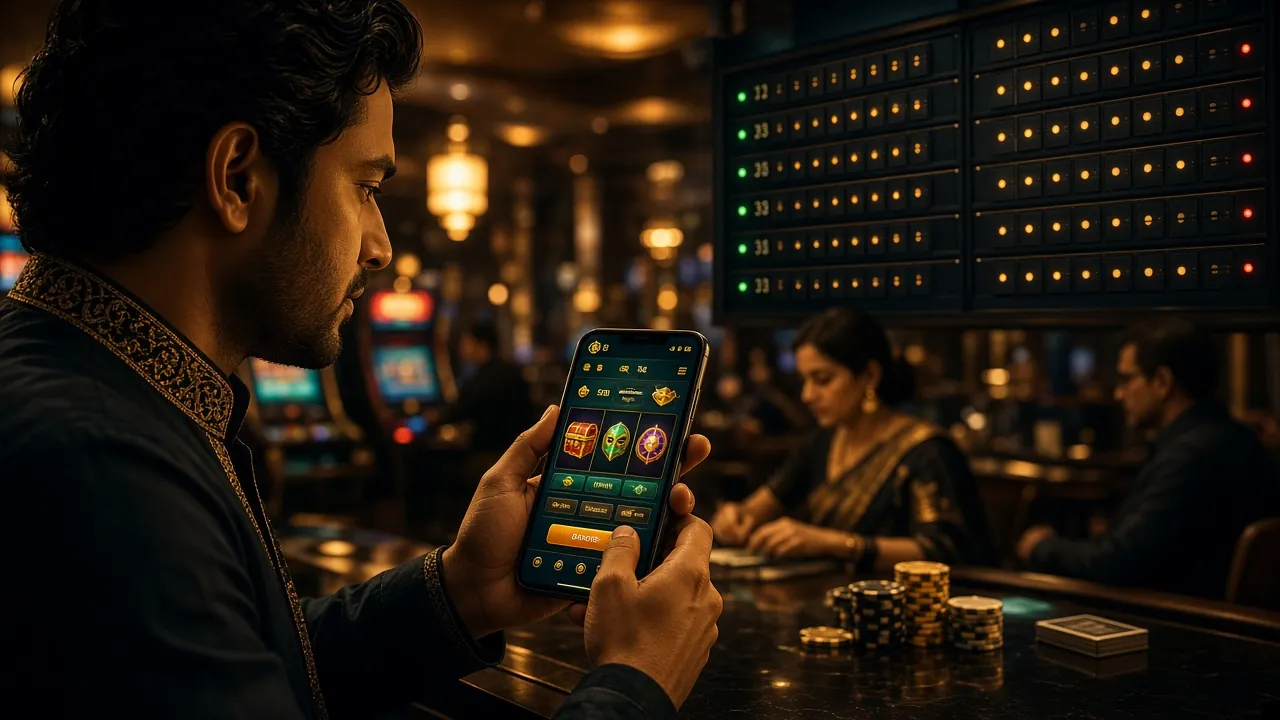
Keep Your r666 Account Protected
A strong password and a few simple habits are all it takes to keep your funds and bonuses safe. Follow these before each login session.
Use a Password Only for r666
Never reuse a password from your bKash, email, or social media accounts. If one service is compromised, a unique password stops the damage from spreading to your gaming wallet. Mix uppercase, lowercase, numbers, and at least one symbol — aim for 12 characters or more.
Avoid Public Wi-Fi at Login
Open hotspots at tea stalls, buses, or shopping centres carry a real risk of session hijacking. If you must use one, turn on a VPN first. Your mobile data connection (Grameenphone, Robi, Banglalink) is a safer option when you are away from home.
Never Share Your Credentials
r666 support staff will never ask for your password by chat, SMS, or phone call. If anyone contacts you claiming to be from r666 and asks for login details, treat it as a phishing attempt and report it immediately to [email protected].
Change Your Password Regularly
Set a reminder to update your r666 password every few months — especially if you have used the same password elsewhere in the past. After changing it, any existing sessions on other devices will be invalidated, which is a quick way to remove unauthorised access.
Log Out When You Are Done — Especially on Shared Devices
If you log in from a family member's phone, a shared tablet, or a cybercafé, always use the Log Out button when you finish your session. Do not rely on closing the browser tab alone. For your personal device, enable the "Remember me" option only if you are comfortable with automatic login — and keep your phone screen locked with a PIN or biometric.
Three Ways to Log In on Match Night
r666 supports three distinct login paths. Each one connects to the same account and balance — pick whatever fits your situation right now.
| Method | What You Need | Best For | Speed | Notes |
|---|---|---|---|---|
| Mobile Number + Password Recommended | Registered BD number & your password | Everyday desktop & browser login | Instant | Works on any browser. Enable "Remember me" on personal devices to skip re-typing your number each time. |
| Username + Password | Username set during registration & password | Players who prefer a custom handle | Instant | Username is optional — not all accounts have one. If yours does, it works identically to the phone number field. |
| r666 App Login | App v3.5.9 installed on Android 8.0+ | Mobile-first players, commuting, live match watching | Fastest — one tap after first login | The app saves your session securely. Biometric unlock available on supported devices. Download the APK (41 MB, free). |
All three methods access the same account, wallet, and bonus balance. Switching between them does not affect your session or pending withdrawals.
r666 Login in Four Steps — Works on Any Device
Follow these steps exactly as written. The process is the same whether you are on a desktop browser in Dhaka or on mobile data in Chittagong.
-
1
Open the r666 Login Page
Go to r666.team in your browser — Chrome, Firefox, or any default browser on Android works fine. Tap the Log In button at the top right. You will land on this exact page. If you have the r666 App installed, tap its icon on your home screen instead — the app login screen appears immediately.
-
2
Enter Your Mobile Number
Type the 11-digit Bangladeshi mobile number you registered with — starting with 01. This is your primary identifier on r666. If you set a username during registration, you can type that instead. Make sure there are no extra spaces before or after the number; this is the most common cause of "account not found" errors.
-
3
Enter Your Password and Tap Log In
Type your password carefully — it is case-sensitive. Use the eye icon on the right side of the password field to show characters if you are unsure of what you typed. Check "Remember me" if this is your personal device and you want to skip typing your number next time. Then press the yellow Log In button.
-
4
You Are In — Head Straight to the Casino or Deposit
After a successful r666 login you land on your account dashboard. From there: check your wallet balance, navigate to r666 Casino for 1,400+ games, or top up via bKash/Nagad to claim your welcome bonus. Deposits process in under 3 minutes. The whole login process — from opening the site to being inside your account — takes about 15 seconds on a stable connection.
When Your r666 Login Is Not Working
Most login failures have a simple fix. Find your error in the table below — the "Fix" column tells you exactly what to do next.
| Problem | Likely Cause | Fix It Now |
|---|---|---|
| "Account not found" message | Wrong phone number entered, or the number was never registered on r666. | Double-check you are entering the number registered with r666 — not a secondary SIM. If you never created an account, go to r666 Register to open one. |
| "Incorrect password" on every attempt | Caps Lock is on, or the password was changed since your last session, or autocomplete filled an old password. | Toggle the eye icon to see what you are typing. Clear the field and retype manually. If still failing, use the password reset flow below — it takes under 2 minutes. |
| Account temporarily locked | Too many wrong password attempts in a short period trigger a temporary lock for your protection. | Wait 15 minutes, then try again with the correct password. If you have forgotten it, go straight to the reset flow. For urgent help, contact 24/7 live chat from the site or email [email protected]. |
| Page not loading or stuck at spinner | Poor mobile data signal, browser cache conflict, or a temporary DNS issue with the domain. | Switch from Wi-Fi to mobile data (or vice versa). Clear your browser cache (Chrome: Settings → Privacy → Clear browsing data). Try the r666 App instead — it has its own connection stack and handles spotty connections better than a browser. |
| OTP / verification SMS not arriving | Network delay, the SIM is out of range, or your inbox is full. SMS from international senders is occasionally filtered. | Wait up to 90 seconds. Check that your SIM card is active and has signal. If still nothing, tap "Resend OTP." After two failed attempts, contact live chat — agents can verify your identity through an alternative method. |
| Logged out automatically mid-session | Session timeout after 30 minutes of inactivity, or you logged in on a second device which ended the first session. | Log in again — your balance and game progress are saved server-side, so nothing is lost. Enable "Remember me" for faster re-entry. Only one active session per account is allowed at a time; using the app and browser simultaneously will cause this. |
Forgot Your Password — Here Is How to Reset It
Resetting your r666 password takes about two minutes and requires access to your registered mobile number. KYC documents are not needed for a basic password reset.
-
1
Tap "Forgot Password" on the Login Form
Click the Forgot password? link just below the password field on the r666 login form above. Enter the mobile number linked to your account and tap Send OTP. An SMS with a one-time code will reach your phone within 90 seconds. If your SIM is not active or you no longer have that number, contact [email protected] for manual verification.
-
2
Enter the OTP and Create a New Password
Type the 6-digit OTP exactly as received — it expires in 5 minutes. Once verified, you will see a "New Password" field. Choose something at least 8 characters long that you have not used before on r666 or anywhere else. Confirm it in the second field and tap Set Password. All existing sessions on other devices will end immediately for security.
-
3
Log In with Your New Password
Return to the r666 login form above, type your mobile number and the new password, then tap Log In. You are back in — your wallet, bonus balance, and game history are untouched. Consider saving the new password in a trusted password manager so this process does not need repeating. If you are on mobile often, the r666 App saves your session so you rarely need to type your password again.
Answers to Common r666 Login Questions
Quick answers for the questions that come up most often before or after a login attempt.
01 Can I use the same r666 account on my phone and my laptop at the same time?
02 Is my wallet balance safe if I forget to log out?
03 I registered with bKash — do I log in differently than other players?
04 How do I log in if I have changed my SIM card or phone number?
05 Does r666 login work without the app — just in a mobile browser?
06 Will I lose my bonus if I log out and log back in later?
Related guides that might help:
Ready to Log In?
Scroll back to the form at the top of this page, or tap below to open the r666 App for the fastest login experience on your Android device.
18+ · Play Responsibly · Minimum deposit ৳150